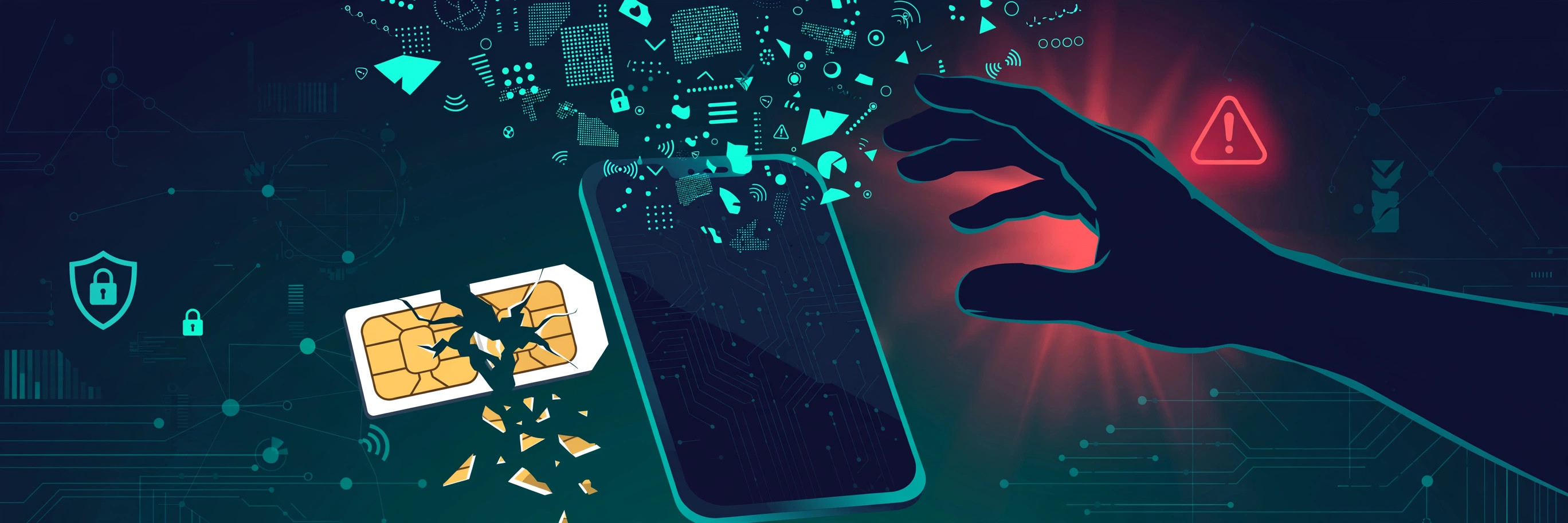
A developer wakes up to a text he never requested: "Your SIM has been updated." By the time he reaches his carrier, his number is ringing on someone else's phone. Within the hour, his email password is reset, his crypto exchange is drained, and his WhatsApp is messaging his contacts for money. He never clicked a phishing link or installed malware. One support agent was convinced to move his number to a new SIM — and that was enough.
This is a SIM swap attack: it defeats SMS-based two-factor authentication not by stealing your codes, but by stealing the phone number they go to. Here's how it works, and seven practical defenses.
How a SIM Swap Actually Works
A SIM swap is social engineering aimed at your carrier. First, the attacker gathers personal details — name, birth date, address — from breaches or social media. Second, posing as you, they call carrier support (or bribe an insider) and request a SIM replacement, claiming the old one was lost. If identity checks are weak, the number moves. Third, they trigger "forgot password" on your email, banking, and crypto accounts. The SMS codes go straight to them — and they move fast, knowing you'll notice within hours.
The uncomfortable truth: SMS 2FA protects against password theft, but it concentrates your security on one asset — your phone number. A SIM swap attacks that single point of failure directly.
7 Practical Ways to Protect Your Accounts
1. Move important 2FA off SMS
For high-value accounts — email, banking, crypto, password managers — switch to an authenticator app or hardware key. Codes are generated on your device, never sent over the network, so a SIM swap can't intercept them. Keep SMS 2FA only where no better option exists.
2. Set a carrier PIN and port-out protection
Most carriers offer a separate PIN required before any SIM change or port — the single most effective anti-SIM-swap control, and many people never enable it. Ask for a SIM-change PIN, a porting PIN, and any number-lock feature. Store the PIN somewhere safe, not in your phone's notes.
3. Stop handing your real number to every service
Every app holding your primary number is another database that can leak it. Reserve your real number for your bank, carrier, and people who actually call you. For one-off signups and services you don't fully trust, verify with a one-time virtual number instead. If that number leaks, it was disposable — your primary number was never in the database.
4. Harden your email first — it's the master key
Nearly every "forgot password" flow ends at your inbox. Give email your strongest protection: an authenticator app or security key, a unique password in a password manager, and recovery options that don't depend on your primary SIM.
5. Shut down the information supply
SIM swaps run on personal data. Remove your birth date and phone number from public profiles, treat unsolicited "verify your identity" calls as hostile (carriers never ask for your OTP), and check whether your details appear in known breaches.
6. Use unique passwords everywhere
A password manager gives every account its own random password, so a forum leak can't become the key to your email. It won't stop a SIM swap directly, but it closes the door attackers pair with it: stuffing stolen credentials into your accounts mid-swap.
7. Watch for the warning signs
A SIM swap announces itself: sudden "emergency calls only" with a paid-up bill, unexpected "SIM updated" texts, password-reset emails you didn't request. If your phone goes dark for no reason, call your carrier from another phone and check financial accounts from a secure device. Most damage happens in the first hours.
Where One-Time Virtual Numbers Fit (and Where They Don't)
A one-time virtual number is a real number rented briefly to receive a single verification code — excellent for compartmentalization. It is not for ongoing 2FA on important accounts: these numbers are temporary, and access expires after the rental.
Two honest caveats. Some services actively block virtual numbers — a rejection is the service's fraud policy, not a defect. And never use free public "receive SMS" sites for anything tied to your identity: those inboxes are visible to everyone, attackers included.
Coverage below is from the live OTP Codes catalog — stock changes constantly, so check the live Pricing page for today's numbers and costs.
| Service | Countries with stock* | Why people compartmentalize it |
|---|---|---|
| Telegram | 201 | Second account for work or communities without exposing a personal number |
| 200 | Business or marketplace account separated from private chats | |
| 200 | Creator or test accounts that shouldn't link back to a personal SIM | |
| Google / Gmail / YouTube | 200 | Extra accounts without burning a real number's verification quota |
| 200 | Marketplace or page accounts kept apart from a personal profile |
*Stock as of 2026-10-23, pulled from the live OTP Codes catalog (2,375 services across 205 countries). Numbers move daily — see the Pricing page for current availability.
Self-Serve or Contact Support?
| Situation | What to do |
|---|---|
| Enable a carrier PIN / port freeze | Self-serve: call your carrier or use their app — a standard request |
| Phone suddenly shows "no service" for no reason | Contact your carrier immediately from another phone, then check email and bank accounts |
| Code not arriving on a virtual number | Self-serve first: our troubleshooting guide resolves most cases |
| A service rejects your virtual number | Self-serve: try another country on the Buy page, or use your real number — some services block all virtual numbers |
| You suspect an active SIM swap | Carrier first, then freeze financial accounts — don't wait to "see if it resolves" |
FAQ
Can a SIM swap happen if I have 2FA enabled?
Yes, if that 2FA is SMS-based — codes go to whoever holds your number. Authenticator apps and hardware keys aren't vulnerable because nothing travels over the carrier network.
How would I know my SIM was swapped?
Sudden signal loss ("emergency calls only") with a paid-up account, often with password-reset emails you didn't trigger. Treat unexplained signal loss as an emergency, not a glitch.
Does a carrier PIN really stop SIM swaps?
It stops the common kind — social-engineered support calls — because the attacker can't produce the PIN. It won't stop a bribed insider, which is why layering (authenticator apps, hardened email) matters.
Should I use a virtual number for my bank's 2FA?
No. Banks need a stable number and many reject virtual ones. Use your real number (protected by a carrier PIN) or your bank's non-SMS option. Virtual numbers are for one-time verifications — not accounts you must recover years later. Our honest security guide covers where virtual numbers are the right and wrong tool.
Key Takeaways
- A SIM swap steals your phone number, not your phone — defeating SMS 2FA without touching your device.
- Highest-leverage defenses: move important 2FA to an authenticator app, and set a carrier PIN plus port-out protection.
- Harden your email first — it is the master key to every "forgot password" flow.
- Compartmentalize: verify low-trust signups with disposable virtual numbers so your real number never enters those databases.
- Sudden signal loss plus unexpected reset emails means act now: carrier first, then financial accounts.